This article contains affiliate links. We may earn a commission from qualifying purchases.
Some content on this site is AI-assisted and reviewed by our editorial team.
Best Coloring Apps for iPad and Tablet: Digital Coloring for Adults
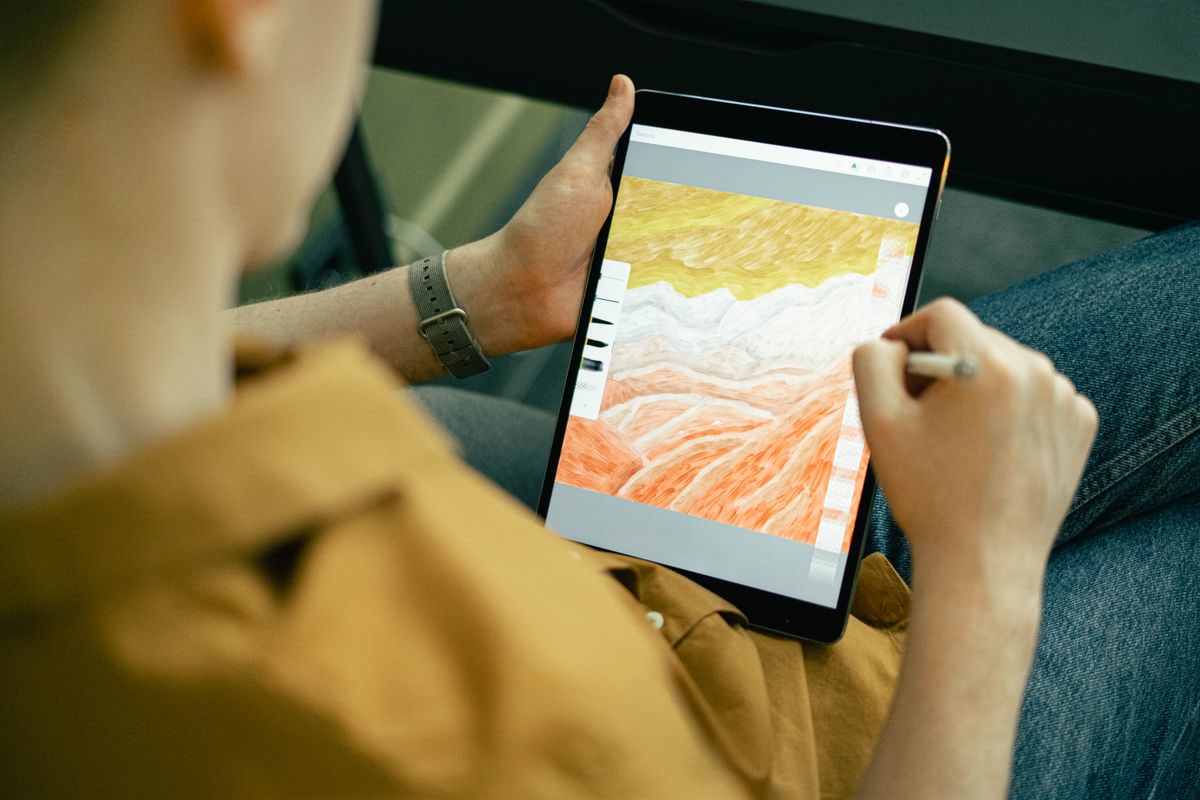
Digital coloring is the mess-free alternative to traditional coloring books. No pencil shavings, no wasted paper, no running out of your favorite shade halfway through a mandala. Just open an app on your tablet, pick a color, and start filling in designs. If you already own an iPad or Android tablet, you are minutes away from a coloring experience that rivals the physical version.
Disclosure: As an Amazon Associate, ColoredCalm earns from qualifying purchases. This post contains affiliate links, which means we may earn a commission if you click through and make a purchase, at no additional cost to you.
I tested the most popular adult coloring apps across iPad and Android tablets to find the best options for different types of colorists. Whether you want a free app for casual coloring or a premium experience with professional-grade tools, there is an option here for you.
Why Color on a Tablet?
Tablet coloring has genuine advantages over paper coloring books:
- Unlimited colors: Every app includes hundreds of colors and gradients you can tap to select. No buying pencil sets to expand your palette.
- Undo and redo: Made a mistake? Tap undo. No erasing, no starting over, no ruined pages.
- Portability: A tablet holds thousands of coloring pages and all your colors in one device. No carrying bags of pencils and books.
- Mess-free: No wax bloom, no smudging, no pencil dust on your clothes. Coloring in bed or on the couch is clean and easy.
- Sharing: Finished pages can be exported and shared instantly. No scanning or photographing your work.
The downside is that tablet coloring lacks the tactile satisfaction of physical pencils on paper. If the feel of a real pencil is part of what relaxes you, digital coloring may not fully replace it. But as a supplement or for travel, it is hard to beat.
1. Pigment, Best Overall iPad Coloring App
Pigment is the most full-featured adult coloring app on the App Store. It offers thousands of coloring pages across categories including mandalas, florals, animals, patterns, and seasonal designs. New pages are added daily, so you never run out of fresh content.
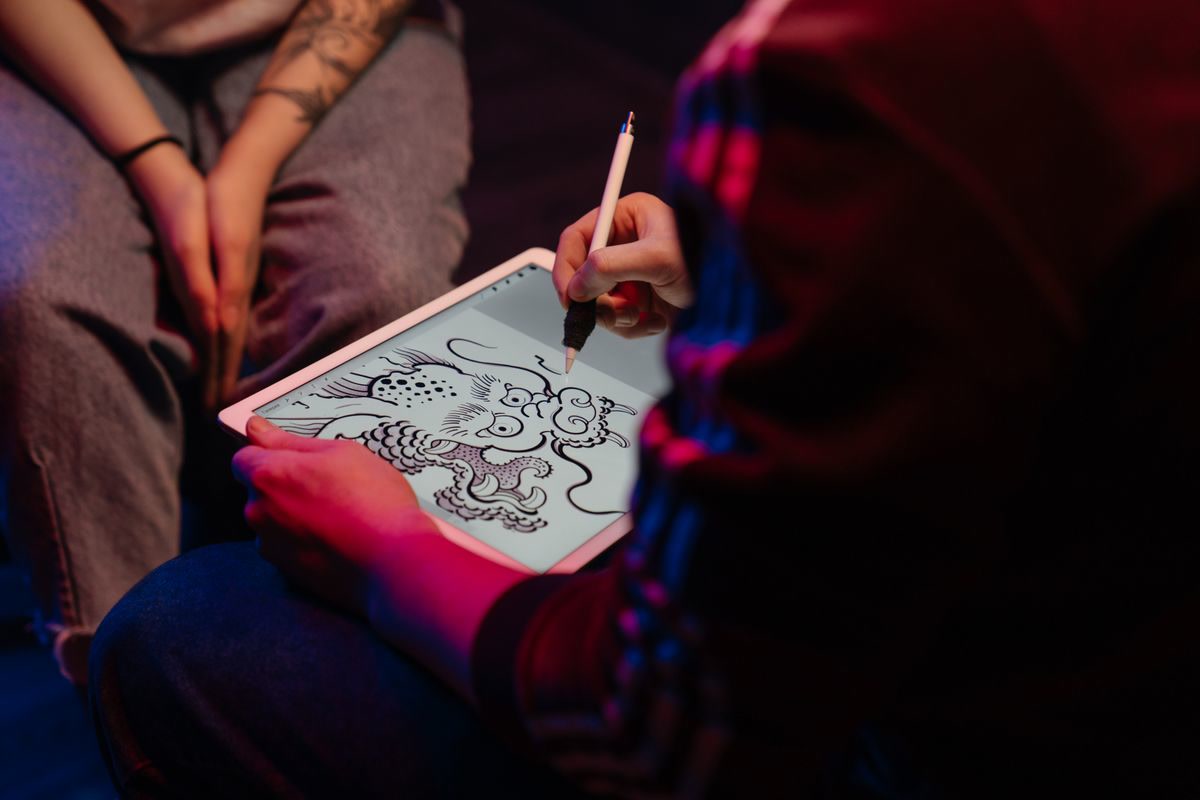
What sets Pigment apart is its tool quality. The app supports Apple Pencil pressure sensitivity, offers multiple brush types (pencil, marker, watercolor, fill), and includes a color palette with millions of shades. The blending tools are the closest digital equivalent to physical colorless blenders, letting you smooth transitions between colors on the page.
Pigment is free to download with a limited selection of pages and tools. The premium subscription unlocks the full library, all brushes, and advanced features like gradient fills and custom palettes. If you color daily, the subscription pays for itself compared to buying physical coloring books.
Available on: iPad, iPhone. Free with premium subscription.
2. Recolor, Best for Quick, Casual Coloring
Recolor is the simplest app on this list, and that is its strength. Open the app, pick a page, tap a color, tap a section to fill it. No brush settings, no layer management, no learning curve. It is coloring distilled to its essential pleasure.
The fill tool is Recolor’s defining feature. Instead of coloring stroke by stroke, you tap a region and it fills with the selected color. This makes it fast, you can complete a page in 10-15 minutes, compared to an hour or more with stroke-based coloring. For stress relief during a lunch break or before bed, this speed is an advantage.
The free version includes a rotating selection of pages. Premium adds the full library and removes ads. Recolor is available on iPad, iPhone, and Android, making it the best cross-platform option.
Available on: iPad, iPhone, Android. Free with premium subscription.
3. Colorfy, Best for Android Tablets
Colorfy is the best option if you are using an Android tablet rather than an iPad. The app has a large library of coloring pages organized by category, with new designs added weekly. The interface is clean and intuitive, with a color palette along the bottom of the screen and simple tap-to-fill coloring.
Colorfy supports both tap-to-fill and freehand coloring modes. The freehand mode works well with a stylus, giving you more control over shading and detail than tap-to-fill apps. The color selection is extensive, with gradients and patterns alongside solid colors.
The free version is ad-supported with a limited page selection. Premium removes ads and unlocks the full library. For Android tablet users, this is the app to start with.
Available on: Android, iPad, iPhone. Free with premium subscription.
4. Lake, Best for Artistic Coloring
Lake takes a different approach to digital coloring. Instead of filling flat regions, Lake’s coloring pages are designed to be colored with brush strokes, giving finished pages a hand-painted look. The app supports pressure sensitivity and offers brush types that mimic watercolor, oil, and colored pencil.
This makes Lake the best choice for colorists who want their digital work to look like traditional art. The trade-off is that it takes longer to complete a page, you are painting, not filling. For colorists who enjoy the process as much as the result, Lake is the most satisfying app on this list.
Lake is free with a premium subscription that unlocks the full library and all brush types. It is iPad-only, so Android users should look at Colorfy instead.
Available on: iPad, iPhone. Free with premium subscription.
5. Chroma, Best for Mandala Lovers
Chroma specializes in mandalas and geometric designs. If you find mandalas the most relaxing type of coloring page, this app has the deepest library of mandala designs available, ranging from simple 10-minute pages to complex designs that take hours.
The app includes a symmetry tool that mirrors your coloring across the mandala’s axes. Color one section and the corresponding sections fill automatically. This is either a time-saver or a cheat, depending on your perspective, but for pure relaxation, it lets you focus on color choice rather than repetitive filling.
Chroma is free with ads. The premium version removes ads and adds exclusive mandala collections. Available on iPad and iPhone.
Available on: iPad, iPhone. Free with premium subscription.
Tablet Recommendations for Coloring
You do not need the latest iPad Pro to enjoy digital coloring. Any tablet with a decent screen and stylus support will work. Here are the best options at different price points:
Best overall: The Apple iPad 10th generation pairs with the Apple Pencil and runs every coloring app smoothly. The 10.9 inch screen is large enough for detailed coloring without being too heavy to hold.
Best budget: The Amazon Fire HD 10 runs Android coloring apps like Colorfy and Recolor at a fraction of the iPad’s price. The screen quality is lower and there is no Apple Pencil equivalent, but for tap-to-fill coloring, it works fine.
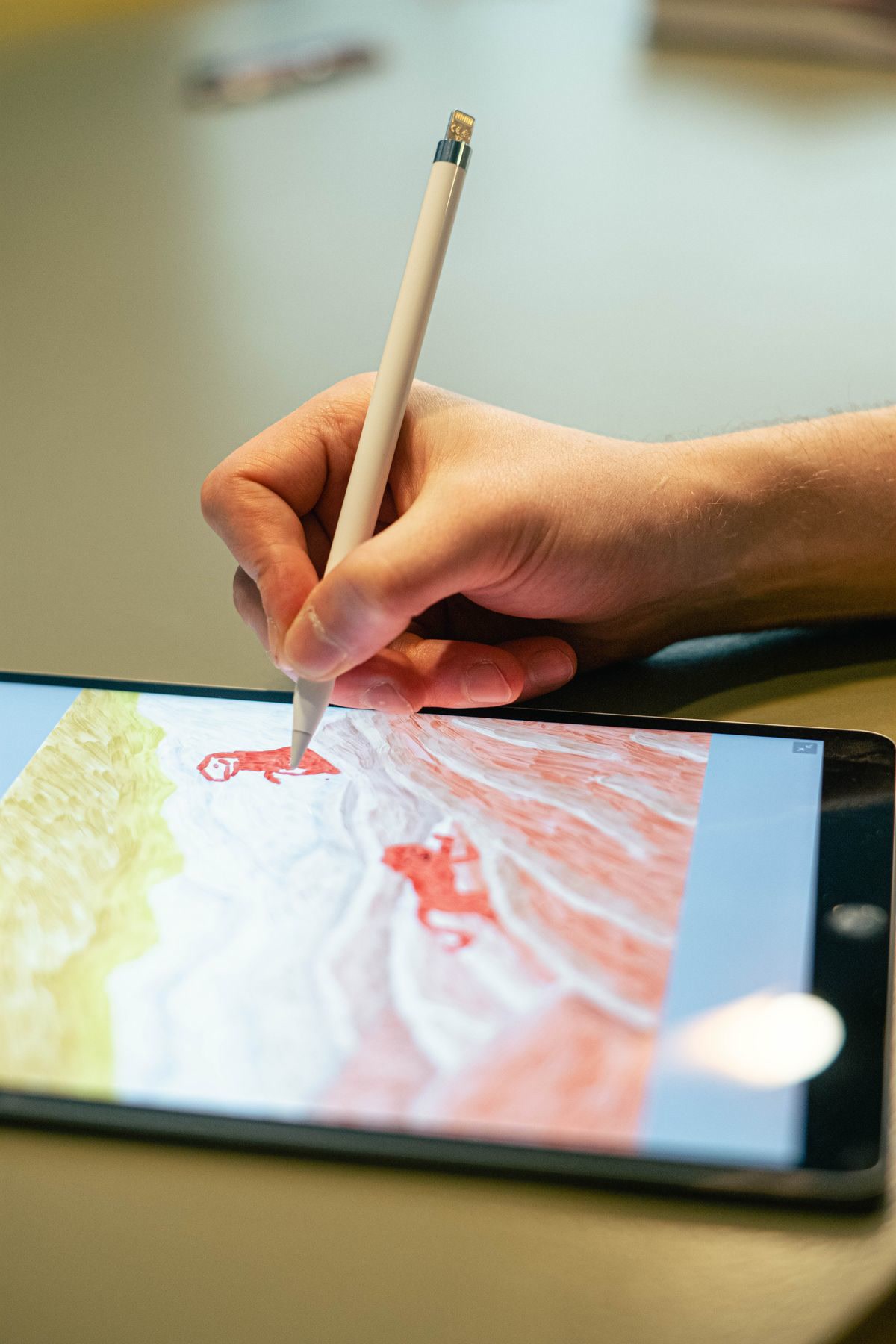
Best stylus: The Apple Pencil USB-C is the best stylus for coloring on iPad. Pressure sensitivity gives you variable line width and opacity, which makes the coloring experience feel closer to physical pencils.
Read unlimited books? With Kindle Unlimited, read as much as you want from 4M+ titles, including thousands of coloring and art books. Try Kindle Unlimited FREE for 2 months
Bottom Line
For most adult colorists, Pigment on iPad is the best digital coloring experience. It has the largest library, the best tools, and the most natural coloring feel. If you want something simpler, Recolor is the fastest path from opening an app to finishing a page. And if you are on Android, Colorfy is your best bet. All three are free to try, so download them and see which interface clicks for you.
🎨 Get Your Free Stress Relief Coloring Guide
Join our newsletter and get this free printable plus weekly tips.
Price Check
Prices verified via our product tracker. Updated Sep 27.
| Amazon.com: Apple iPad (10th Generation): with A14 Bionic | $599.00 | 4.8★ (34,448) |
| Amazon.com: Amazon Fire HD 10 tablet, built for relaxation | $72.99 | 4.5★ (44,437) |
| Amazon.com: Apple Pencil (USB-C): Device Compatibility Che | $79.00 | 4.5★ (12,382) |
As an Amazon Associate we earn from qualifying purchases.